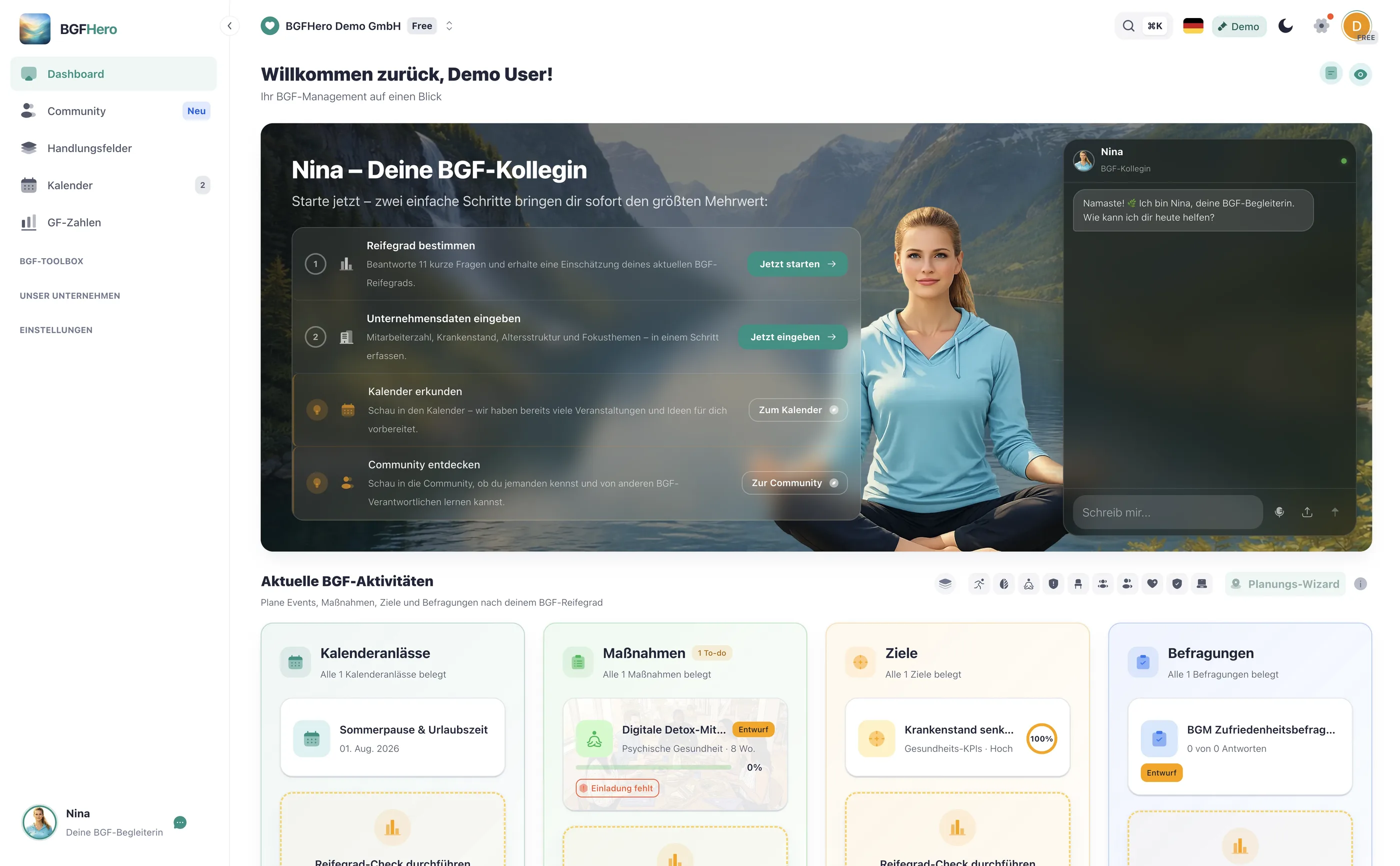
WHP Dashboard: All KPIs at a Glance for Management
Which KPIs does a WHP dashboard really need?
Many WHP managers collect data in various tools and spreadsheets – sick leave here, participant numbers there, maturity level somewhere in a presentation. The problem: If data doesn't interact, the big picture remains unclear. A WHP dashboard brings the most important key figures together in one place.
The five core KPIs that matter:
**1. Sick leave (%)** – The basic metric of every WHP. The important thing is not just the current value, but the trend: Is it declining? Are there seasonal spikes? Compared to the German national average (Federal Ministry of Health, Statistics KM1; 2025: 5.66%), the number only gains real significance.
**2. WHP score** – An aggregated assessment of ongoing measures: How many are active, what is the participation rate, how satisfied are the participants? This score shows at a glance whether the WHP program is running or stagnating.
**3. WHP maturity level** – Where does the organization stand overall? The maturity level assesses structures, leadership culture, offerings, and effectiveness. It changes slowly – so a quarterly update is sufficient.
**4. Progress of measures** – How many planned measures have been implemented, how many are in preparation, how many are stuck? This key figure shows whether WHP is really being practiced in everyday life.
**5. Time investment** – How many hours per week or month are spent on WHP? This number helps justify the use of resources and identify bottlenecks early on.
Optionally useful: Employee satisfaction with WHP offerings (from pulse surveys) and reach (proportion of the workforce that has used at least one offering). You can find formulas and definitions for ten key figures in the guide WHP Key Figures: The Basic Set.
How do you make the dashboard suitable for management?
A dashboard for yourself has different requirements than one for management. Management reports must answer three questions: What does WHP cost? What does it deliver? And what comes next?
The rule here is: less is more. Managers don't need detailed data – they need traffic lights. Green means: on track. Yellow means: action needed. Red means: escalation required. If your dashboard displays these three statuses for the five core KPIs, you have everything a management presentation needs.
Two other elements make the difference: trends and comparisons. A sick leave rate of 5.2% says little. The same value, three percentage points below last year's value and just under half a percentage point below the German national average of 5.66% (2025), is a strong argument. Build this comparison directly into the dashboard – then you can save yourself lengthy explanations in the report.
Also, set a fixed reporting rhythm: monthly update for yourself, quarterly management report. Anyone who reports ad hoc loses the thread. The guide WHP Results Report for the Board shows how a results report for management can be structured.
How does EasyBGM support dashboard and management report?
EasyBGM supports exactly this process. In the cockpit, you see WHP score, maturity level, and time investment; in the management figures, sick leave with trend and in comparison to the German national average (Federal Ministry of Health, Statistics KM1). The key figures come from your connected HR system or are maintained by you.
For management, there is the WHP annual report as a print-ready overview: score, trend, comparison to the German national average, and the most important recommendations. No Excel, no copy-paste, no formatting – provided the data has been maintained continuously.
How to put it in place
- 1Open the WHP dashboard in EasyBGM: Open the dashboard in EasyBGM and get an initial overview of the metrics already available. Check which data already exists and where gaps remain.
- 2Define 5 core KPIs and check the data basis: Decide which five metrics are most relevant for your company. Absenteeism and measure progress are mandatory; WHP score, maturity level, and time investment round out the picture. Check for each KPI whether the data basis is complete.
- 3Add missing data once: Enter existing historical data — especially absenteeism over the last 12 months and already completed measures. This is a one-time effort and forms the basis for meaningful trends.
- 4Define the executive report rhythm: Decide when and in what format leadership will be informed about WHP metrics: monthly, quarterly, or as needed. Add the first reporting date to your calendar and create the export template in EasyBGM.
- 5Establish a dashboard routine: Reserve 15 minutes per week for dashboard maintenance: entering new measures, updating absenteeism data, adding notes on outliers. After four weeks, the routine runs on its own.
What you need
- Effort
- under 30 min
- Cost
- Free
- Duration
- 2 weeks
- Setup
- 20 min
- ✓ All WHP metrics centralized in one place — no more searching across different spreadsheets and tools
- ✓ Executive reports in minutes instead of hours — a ready-made status view instead of manual formatting
- ✓ Trends made visible: absenteeism, measure progress, and WHP score comparable over time
- ✓ Justify resource use transparently — time investment and ROI at a glance for budget discussions
Adopt it for your company
One click — and the measure sits ready in your plan. Guided step by step, no lengthy setup.
ÜbernehmenZahlt ein auf
Handlungsfeld
Passender Anlass
Passende Best Practices
Nicht sicher, wo ihr anfangen sollt? Selbstcheck →